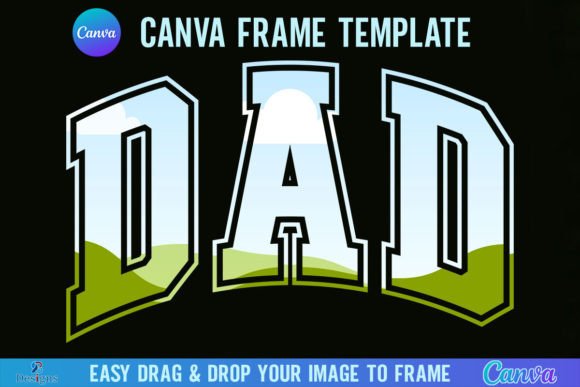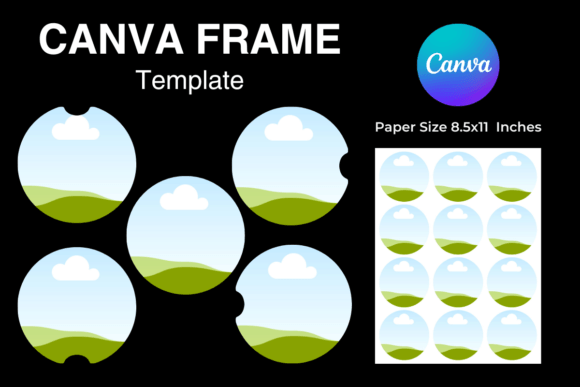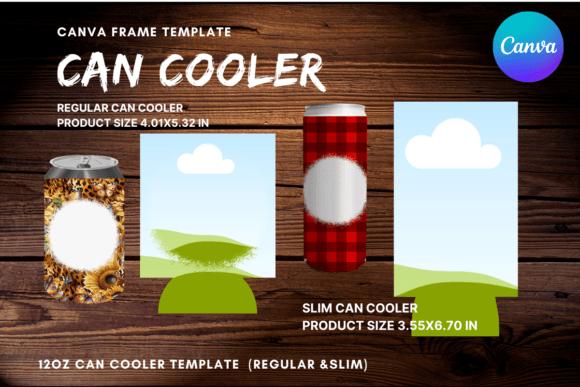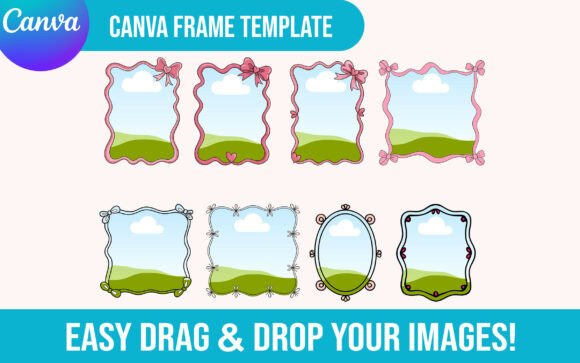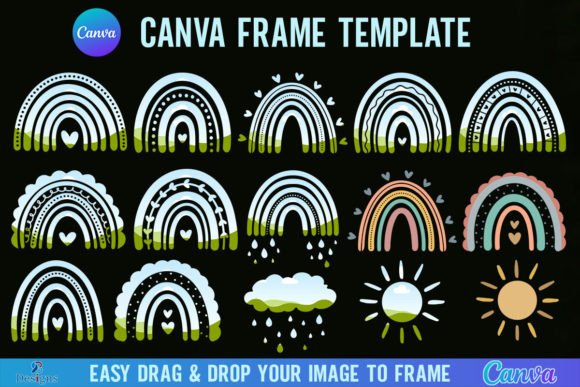
Rainbow Canva Frame Template Bundle
A Designer’s First Look: Bright, Balanced, and Built for Real Stitching
As someone who’s stitched hundreds of custom pieces—from baby onesies for boutique clients to embroidered tote bags for local makers’ markets—I opened the Rainbow Canva Frame Template Bundle expecting cheerful energy. What I found was something more useful: a set of clean, scalable frames that breathe color without overwhelming. These aren’t just rainbow gradients slapped onto a circle—they’re thoughtfully spaced, with balanced negative space and consistent stroke weight. That matters. A lot. When you’re planning an embroidered patch for a child’s backpack or a personalized sweatshirt for a small shop launch, the frame isn’t just decoration—it’s the visual anchor. This bundle feels like it was designed *with stitching in mind*, not just screen display.
Where It Shines: Real Projects, Real Customers
I tested the Rainbow Canva Frame Template Bundle on a few quick mockups—first as a border around a monogram on a linen tea towel, then as a framing device for a small floral motif on a cotton baby cap. In both cases, the frame elevated the piece without competing. On the towel, it gave structure to hand-stitched embroidery; on the cap, it provided a crisp boundary that helped the central design read clearly—even at 3.5 inches wide. That’s the sweet spot: this bundle works best when supporting other elements, not standing alone. Think embroidered patch backings, tote bag design borders, or subtle framing for nursery wall art. Etsy sellers will appreciate how cleanly it translates to printable mockups—no pixelation, no awkward scaling. And because it’s built in Canva, swapping fonts, adjusting spacing, or recoloring for seasonal palettes (think pastels for baby showers or deep teals + golds for holiday gifts) takes seconds—not hours.
What You’ll Want to Watch For
This isn’t a “drop-in-and-stitch” machine embroidery design. It’s a graphics asset—a starting point. So before committing thread and time, ask yourself: Is this going on a stretchy fabric? A textured knit? A curved surface like a cap bill? If yes, simplify. The rainbow bands look gorgeous on screen, but dense satin stitch across narrow arcs can pucker thin jersey or shift on unstable knits. I’d avoid using the full frame on baby onesies unless paired with lightweight stabilizer and reduced stitch density. Likewise, corners and tight curves need careful hooping—test first on scrap fabric with your exact thread colors and stabilizer combo. And if you’re planning blackwork or minimalist branding, preview the frame in grayscale: some color-based contrast vanishes when converted, affecting clarity in final finished product photos.
Stitching Clarity Meets Customer Trust
Here’s what seasoned craft business owners know: customers don’t just buy embroidery—they buy confidence. Confidence that the item won’t unravel after two washes. Confidence that the colors stay vibrant. Confidence that the design feels intentional, not generic. The Rainbow Canva Frame Template Bundle supports that trust when used intentionally. Its consistent proportions and generous spacing mean fewer skipped stitches in fill areas, cleaner transitions between colors, and better legibility on dark fabric—especially if you adjust contrast during digitizing. But—and this is key—it doesn’t replace good digitizing practice. You still need to confirm stitch density, choose appropriate underlay, and match stabilizer to your fabric texture. Don’t assume the Canva version is optimized for your embroidery file workflow. Treat it like raw design assets: refine, test, verify.
Practical Notes from the Hoop
- Always test on scrap fabric first—especially with stretchy or napped textiles like fleece or terry cloth.
- Check thread color contrast on both light and dark backgrounds. Rainbows can blur together if adjacent hues lack enough value difference.
- Review stitch density before sending to your machine. Dense fills in narrow bands may require reduced density or alternate stitch types (e.g., alternating satin and fill).
- Confirm hoop size compatibility. Some frames scale beautifully to 4x4 hoops; others push limits at 5x7—measure before digitizing.
- Inspect small details at actual stitch size. Tiny arcs or fine lines may vanish or distort if scaled too small.
- Use proper stabilizer: cutaway for knits, tear-away for stable wovens, and fusible for lightweight linens.
- Verify licensing before selling finished items or reselling digital versions. This bundle includes a PDF with access instructions—review those terms carefully.
Final Thought: A Flexible Asset, Not a Magic Fix
The Rainbow Canva Frame Template Bundle won’t replace your core embroidery file library—but it does fill a quiet gap: flexible, joyful framing that adapts to handmade product needs without sacrificing polish. It’s ideal for small shop owners building cohesive collections (think matching kitchen towel + apron + tea cozy sets), for Etsy sellers wanting fresh, on-brand mockups, or for crafters personalizing gifts where warmth and intention matter more than flash. It’s not flashy. It’s thoughtful. And in embroidery—where every stitch carries weight—that’s exactly what makes a design worth keeping.